

Virtual StagingVirtual staging AI for real estate
Empty rooms buyers can picture living in
staged in seconds, no stager needed
Virtual staging AI that furnishes empty rooms for you. Pick the room and the style. The furniture appears; the walls, windows and floors stay exactly as they are.
7 days free · 1 AI credit per preview · your original is always kept
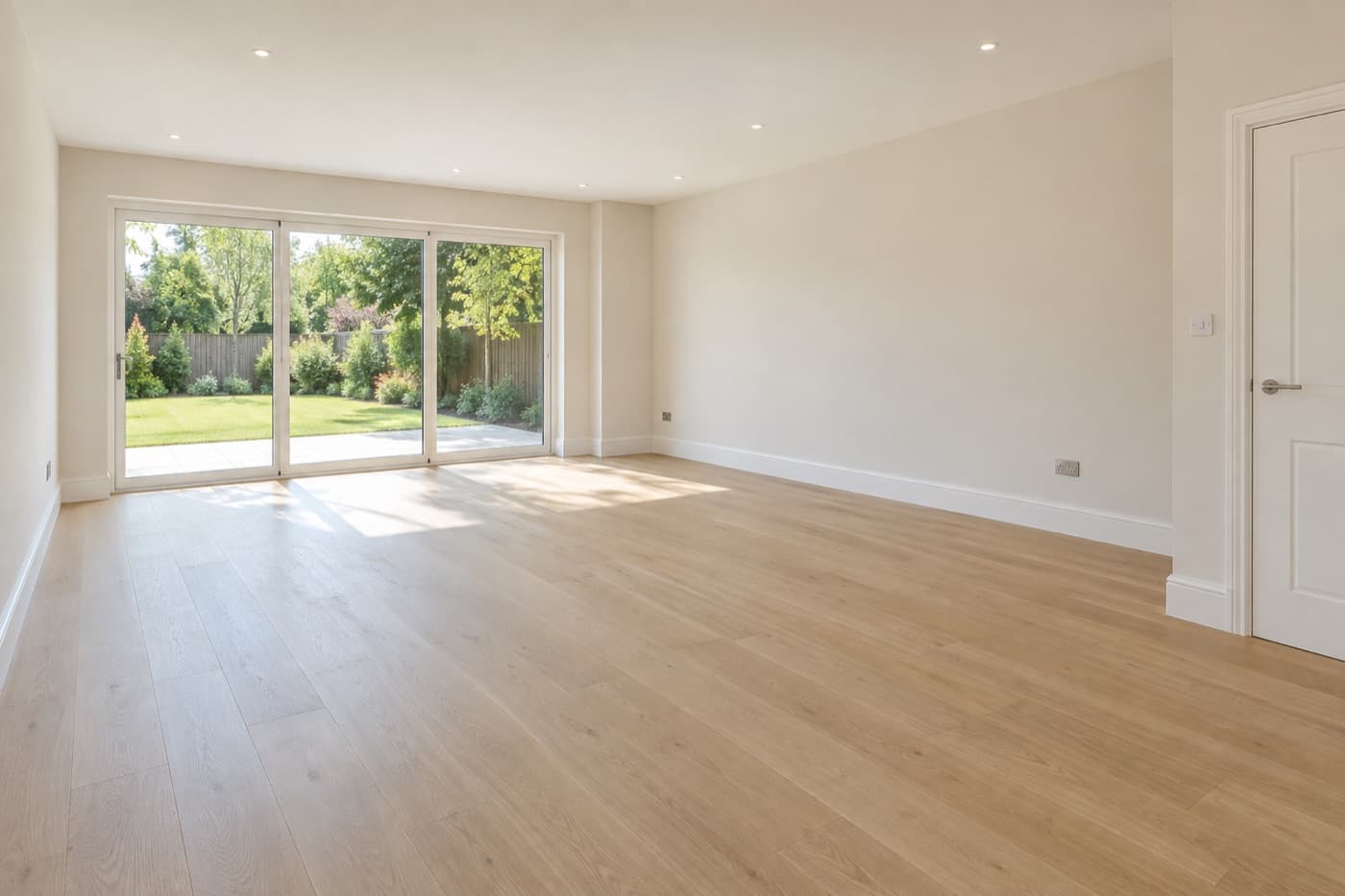
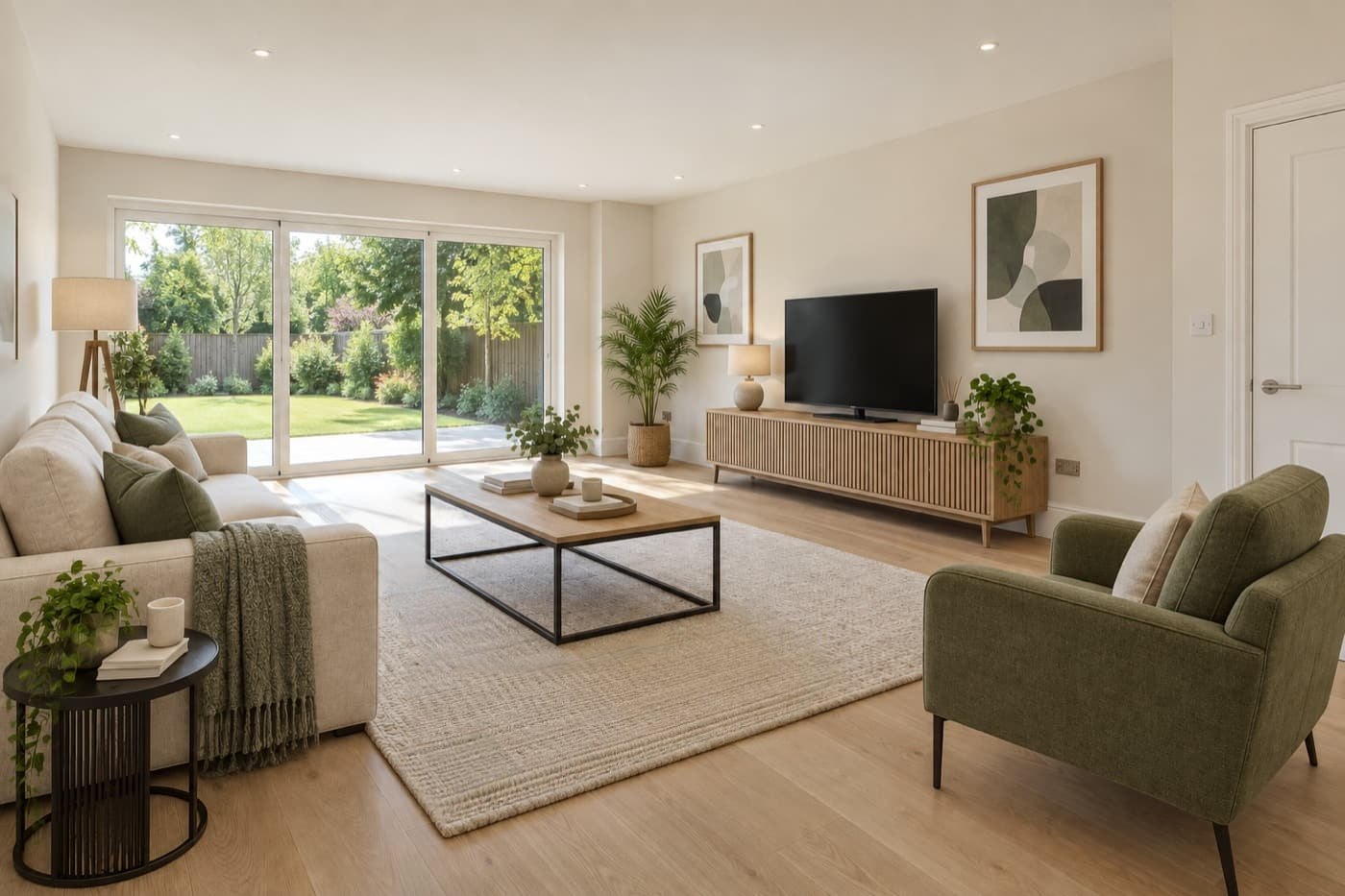 Before After
 Used by 1,000+ real estate professionals
Change the furniture. Never the property.
Buyers should walk into the home they saw online. Writor is built to add furniture and decor only, and you check every preview before you accept it.
SofaaddedCoffee tableaddedArmchairaddedTV and consoleaddedPatio doorsunchangedDoorunchangedFloorunchangedTell it the room. Pick the look. Done.
No prompts to write and no design skills needed. Choose from the options, or add a note in your own words.
- Upload from your computer, the listing, or your phone with a QR code
- 12 design styles, from Modern to Farmhouse and Luxury
- From two key pieces to a fully furnished room
- Add rugs, plants and lamps, or dress the windows
- Download as high-quality JPG, or PNG if you need it
Clear the room, then restage it.
Tired furniture or the seller's belongings in the way? Remove them first, then stage the space in a style that suits the buyer.
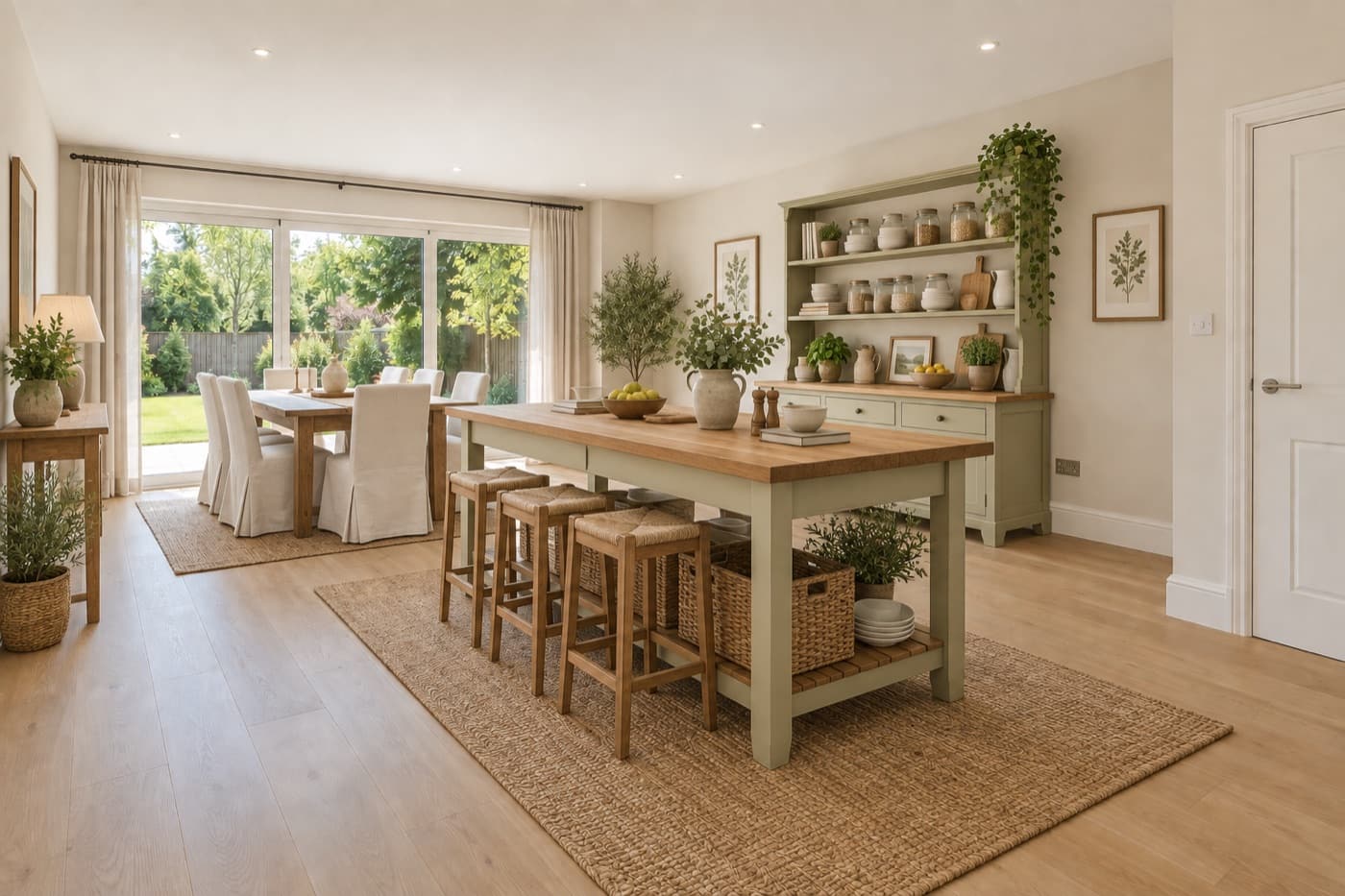
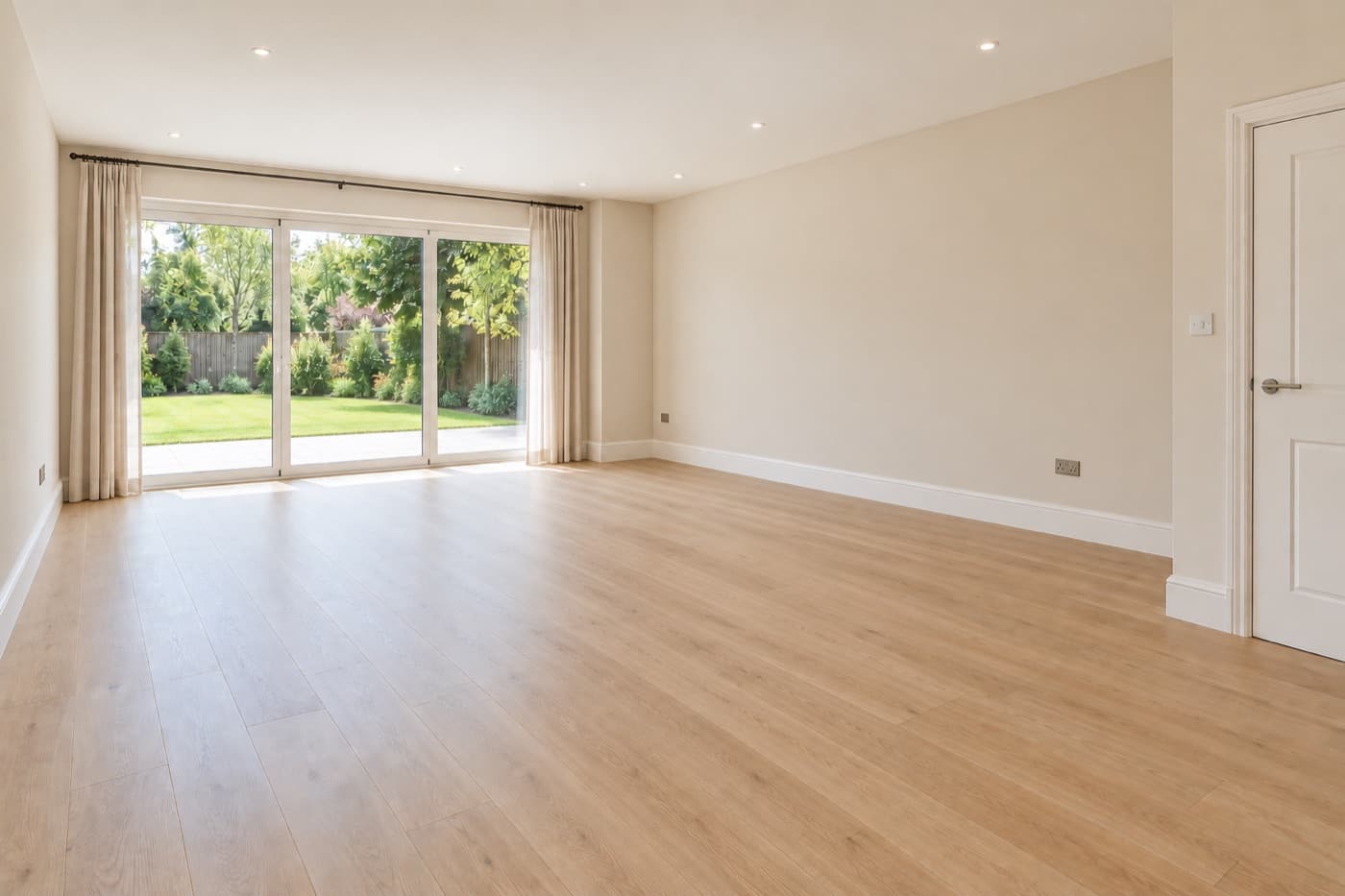
Bedrooms, offices, living rooms.
Each one is a single preview, accepted as it came out.
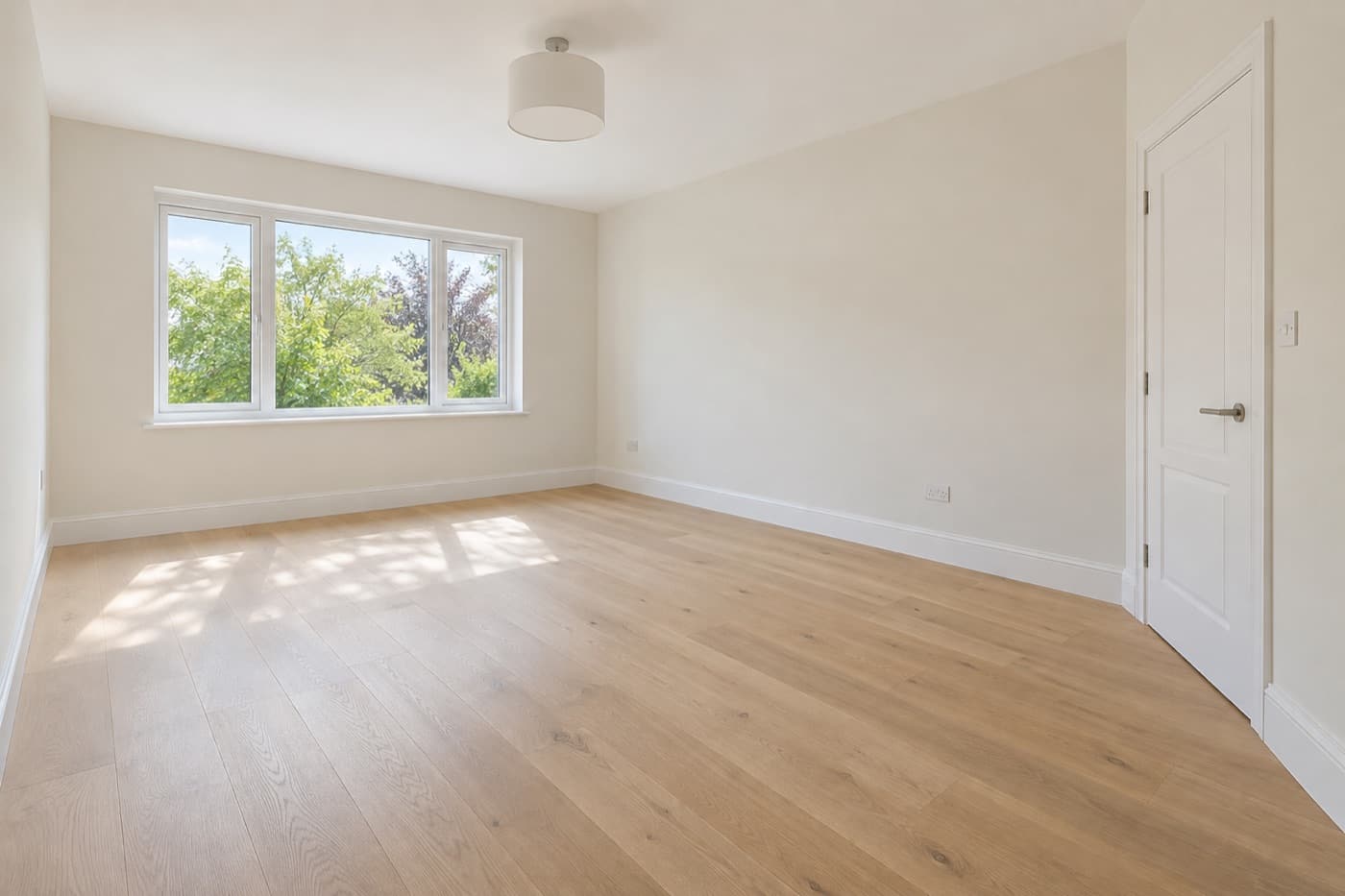
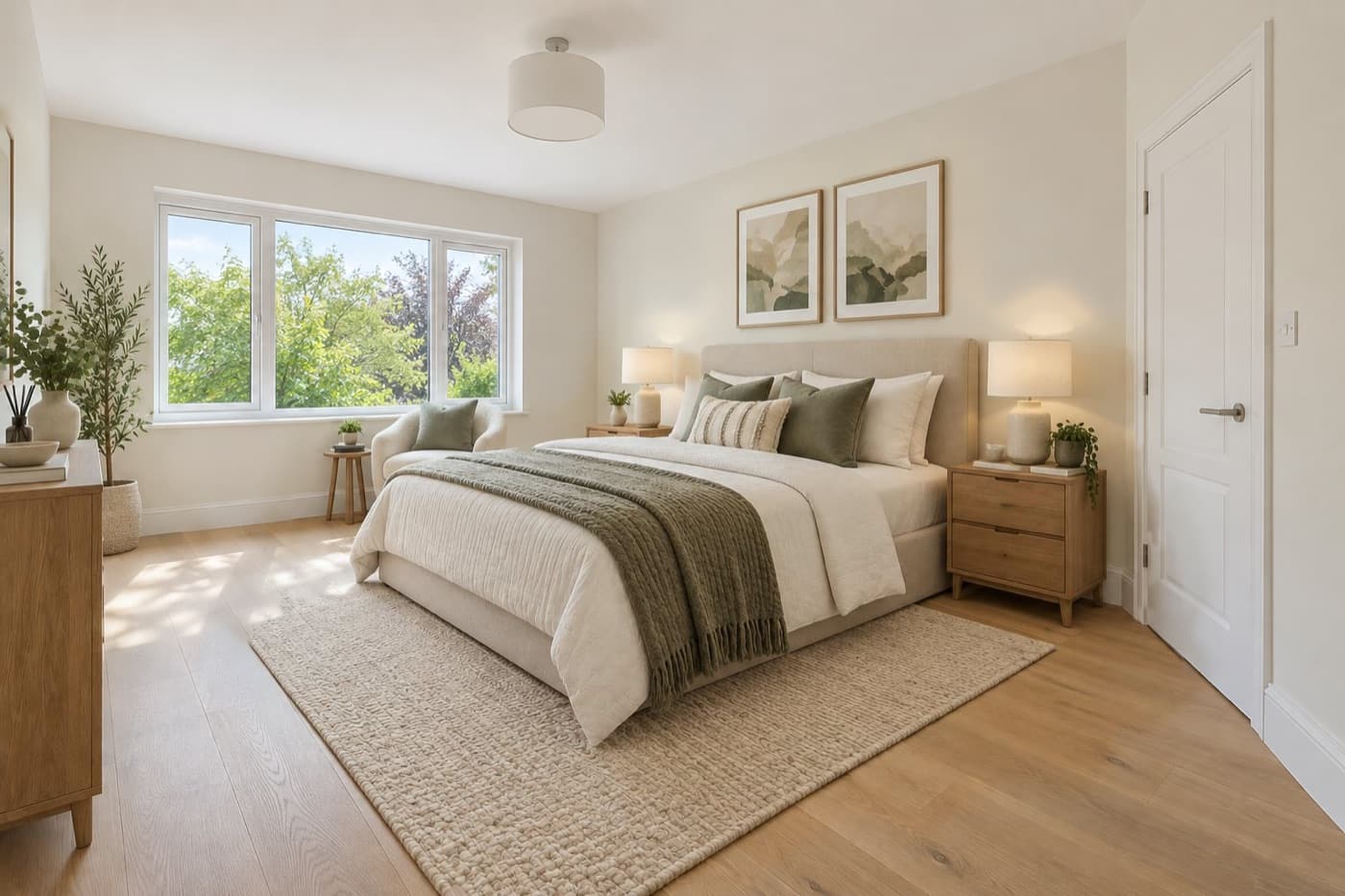 BeforeAfter
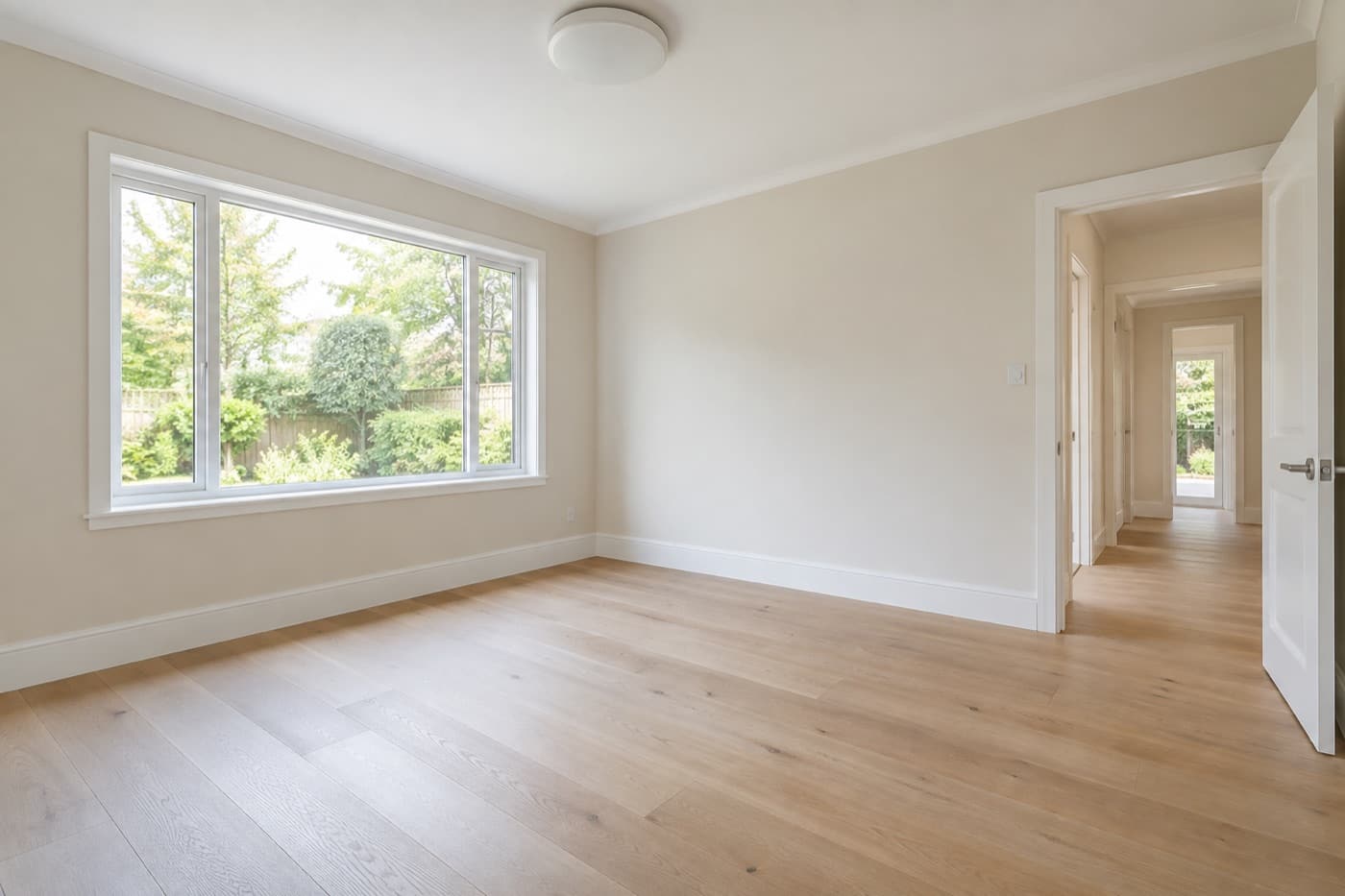
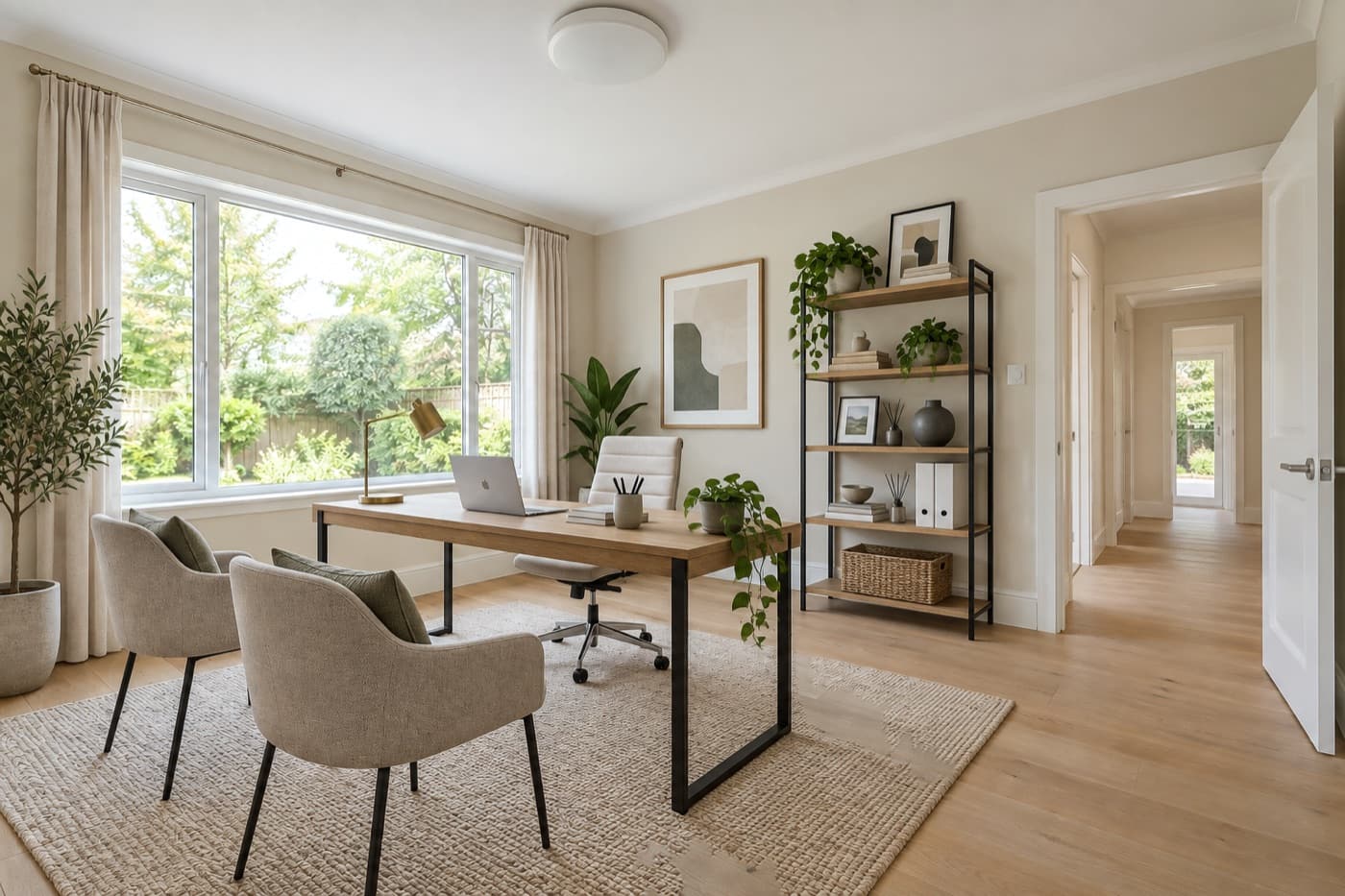 BeforeAfterVirtually staged
Three ways to stage a vacant listing.
Only one of them happens tonight.
- Book a stager and movers
- Furniture rented while the home is listed
- One style, set up once
- Send photos, wait for the edit
- Paid per photo
- Another style means another order
- Upload and pick a style
- 1 AI credit per preview
- Try another style in seconds
Stage your own empty rooms free for 7 days.
Use every tool on a real listing. If the rooms don't look right, cancel before day 7 and you pay nothing.
Stage your first room freeVirtual staging, answered.
Yes. Every plan starts with a 7-day free trial, so you can stage your own empty rooms before you pay.
Writor is built to add furniture and decor only. Walls, windows, doors, floors and fixtures stay as they are, and you review every preview before you accept it.
Most MLSs allow it with disclosure. Writor can add a "Virtually staged" watermark and always keeps your original.
Generate another preview, change the style or the furniture amount, or add a note. You only accept the version you want.
Living rooms, main, guest and kids bedrooms, dining rooms, kitchens, bathrooms, offices, patios and more. Pick the room type so the furniture fits the space.
JPG, PNG or WebP up to 20 MB, from your computer, the listing, or your phone with a QR code.
Software that adds furniture and decor to a photo of an empty room. You pick the room type, the style and how much furniture you want, and Writor creates a preview. It is built to add furnishings only, so the walls, windows and floors stay as they are.
Software. You upload the photo and stage it yourself, with no waiting for a service to send results back. Try another style whenever you like, and every result is saved to the listing.
Writor runs in your browser on a computer, tablet or phone, so there is nothing to install. You can also send photos from your phone with a QR code.
Stage your next empty listing tonight.
Upload a photo, pick a style, and see the staged room in seconds. Built for real estate agents and realtors.
Every tool included · cancel before day 7 and you pay nothing